
eeger is Australia’s dedicated workforce ecosystem for the Visitor Economy, connecting Tourism, Hospitality and Travel businesses with talent, training pathways and industry resources.
Before you start
- We recommend using Google Chrome for the best experience.
- Make sure you are registered and signed in as an employer.
Step 1: Go to “Post a Job”
- From the eeger home page, click Post a Job in the header or on the front page.
Step 2: Complete the Job Details form
Posting a job has two steps: Job Details then Preview.
Job Details fields
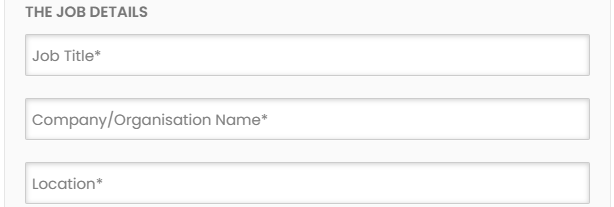
- Job Title – shown in search results and at the top of the job page. (Mandatory)
- Company / Organisation Name – displayed in search results and on the job page. (Mandatory)
- Location – used for location-based search. Lists may vary by state, region or local eeger settings. (Mandatory)
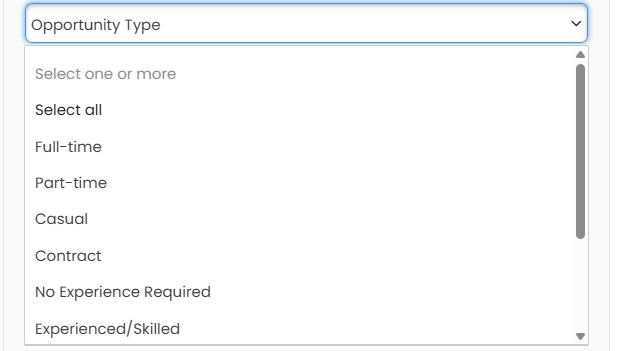
- Opportunity Type – categorise your job; one or more options may be selected. It is highly recomended to select the experience level of the job as this helps job seekers and career professionals find your job.
- Full-time
- Part-time
- Casual
- Contract
- No Experience Required
- Experienced/Skilled
- Team Leader
- Management
- Senior Management
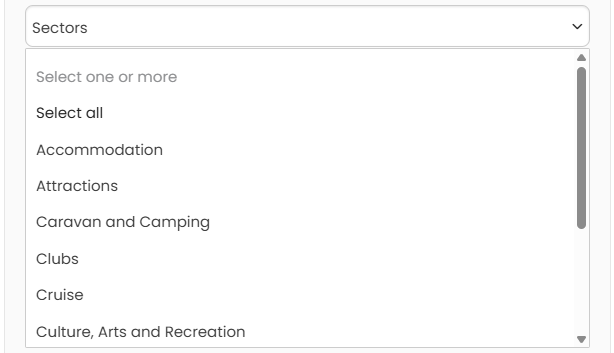
- Sectors: select one or multiple sector of your business, this helps job seekers. (multiple sectors can be selected)
- Application URL – directs the Apply button to your external careers page if preferred. (Optional). Leave blank if you would like to receive applications via the eeger platform.
- Application Email – the address that receives application notifications. (Mandatory)
- Advertise Duration – set how long the job stays live; default is 30 days if you do not select a duration. (Optional). Inactive/expired jobs can be reposted from your Employer Dashboard.
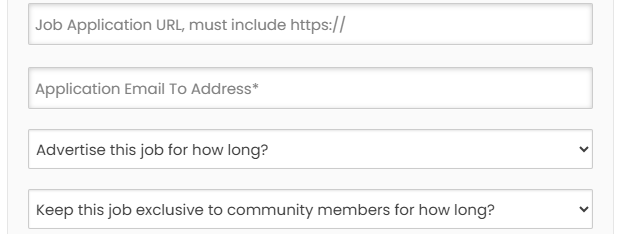
- Keep this job exclusive to eeger job seekers: Select Always exclusive.
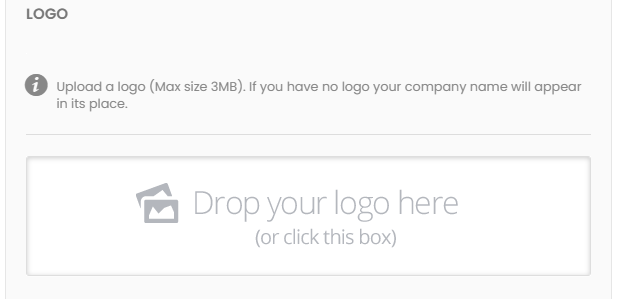
- Logo – appears on the job card and job page. (Recommended)
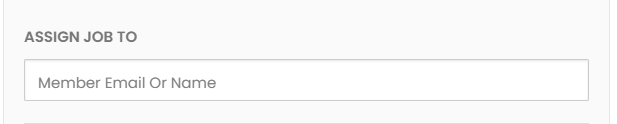
- Assign Job To: If you would like other users in your organisation to view and manage the job advert, select users here.
- Job Description – add the role details using the editor. (Mandatory)

Step 3: Preview and submit
- Review the advert in Preview.
- Choose Go Back to edit or Post this Job to submit for administrator review.
When the job is approved, you will receive an email confirmation, and the advert will go live on eeger.
Step 4: Promote and manage your job
Once live, you can:
- Share the job via email or social media.
- Print a QR‑coded job poster to display in‑venue and attract talent.
- Use the Employer Dashboard to track applicants, shortlist, archive and rank candidates, and manage your talent pool and alerts.
Tips for better results
- Use clear, searchable job titles and include location details.
- Review the how-to-write-a-great-job-ad-for-tourism-hospitality-travel-roles
- Add a concise Employee Value Proposition (EVP) in your description to stand out.
- If you use an external Application URL, keep it short and mobile‑friendly.
- Repost or refresh roles as needed via your Employer Dashboard.